
Guide
SmartTube on Fire TV Stick: Install It with the Downloader App
Install SmartTube on a Fire TV Stick with the Downloader app: allow unknown apps, enter the short download code, install, and open it from your apps.

Contents On this page
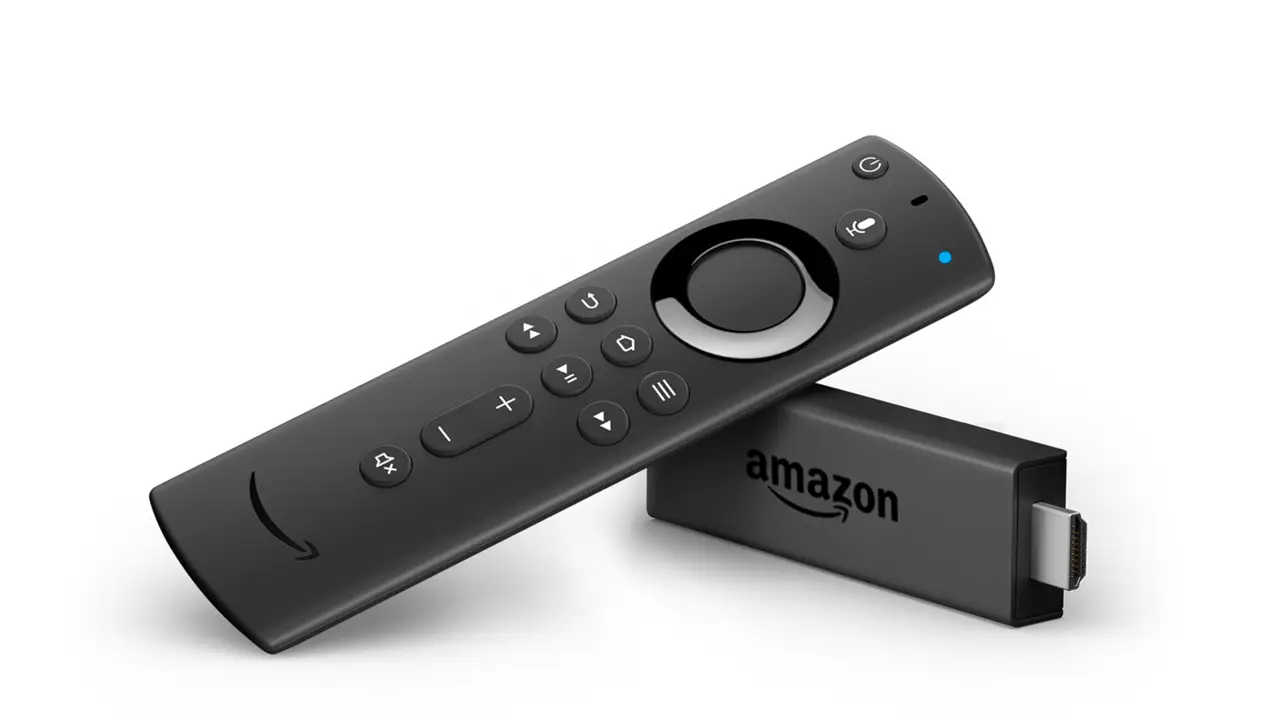
Fire TV Stick is the most common way people meet SmartTube, and the install runs through the Downloader app, a free tool by AFTVnews that every Fire TV owner knows. You allow unknown apps once, enter the short download code for the project, and the file installs like any other. The whole job takes about ten minutes. Get the file from the download SmartTube page first, then work through the steps below on your Fire TV.
Install the Downloader app first
Open the Fire TV search, type Downloader, and install the app by AFTVnews. It is free and it is the standard tool for fetching files on Fire TV. While you are there, make sure your Fire TV has a stable Wi Fi connection, because the download is 35 MB and an interrupted download is the most common reason the install fails later.
Allow unknown apps for Downloader
Open Settings, then My Fire TV, then Developer Options. If Developer Options is hidden, open About and press the select button on your remote seven times on the device name, and it appears. Inside Developer Options, open Install Unknown Apps, find Downloader, and switch it on. This allows Downloader, and only Downloader, to install files.
Enter the short download code
Open Downloader and you will see a URL box with a keyboard. The SmartTube project publishes a short download code, a few letters and numbers, which you type here instead of a long address. Enter the code, press Go, and Downloader fetches the APK. The code is the project's own shortcut, and it always points at the current release, so you never need to remember a version number.
Install and open SmartTube
When the download finishes, Fire TV shows an install screen. Press Install, wait a few seconds, and press Done. Downloader then asks whether to delete the install file, and you can say yes, because the app is already installed. Find SmartTube in Your Apps and Channels, open it, and the home grid loads. The general SmartTube install guide covers the same flow on Android TV if your household has both.
Move it to the front row
Fire TV buries new apps at the end of the apps row, so press and hold the select button on the SmartTube icon and choose Move to Front. One move saves you scrolling every evening. While you are there, check that the icon shows the red TV screen, which confirms you installed the right app.
Notes for Fire TV Stick 4K models
The Stick 4K and 4K Max run SmartTube well, with smooth 4K playback and HDR where the TV supports it. The older basic Stick can feel slower in the home grid, so give it a moment after opening, and keep the default quality at 1080p rather than 4K. The Lite model works too, with the same steps, and the same ten minute install.
If Developer Options is missing
Newer Fire TV software hides Developer Options until you tap the device name seven times in Settings, then About. This is an Amazon change, not a SmartTube one, and the seven taps bring the menu back immediately. If the switch still refuses to turn on, restart the Fire TV once from Settings, then My Fire TV, then Restart, and try again.
Conclusion
Fire TV Stick and SmartTube are a natural pair: Downloader fetches the file, one switch allows the install, and the app lands in your apps row. Move it to the front, open it, and the evening starts where the remote already is.
Quick Answers
What is the Downloader app?
A free Fire TV app by AFTVnews for fetching files by URL or short code. It is the standard way to sideload apps on Fire TV.
Do I need a computer for Fire TV install?
No. Everything happens on the Fire TV itself: Downloader, the code, and the install screen.
Where is SmartTube after installing on Fire TV?
At the end of Your Apps and Channels. Press and hold select on its icon and choose Move to Front to keep it handy.
Does SmartTube work on new Fire TV devices from late 2025?
New Fire TV devices released from October 2025 run VegaOS instead of Android, and SmartTube does not run on them. Fire TV devices released before that date work as normal.