
SmartTube
SmartTube app icon, a red TV screen with a white S

Download SmartTube

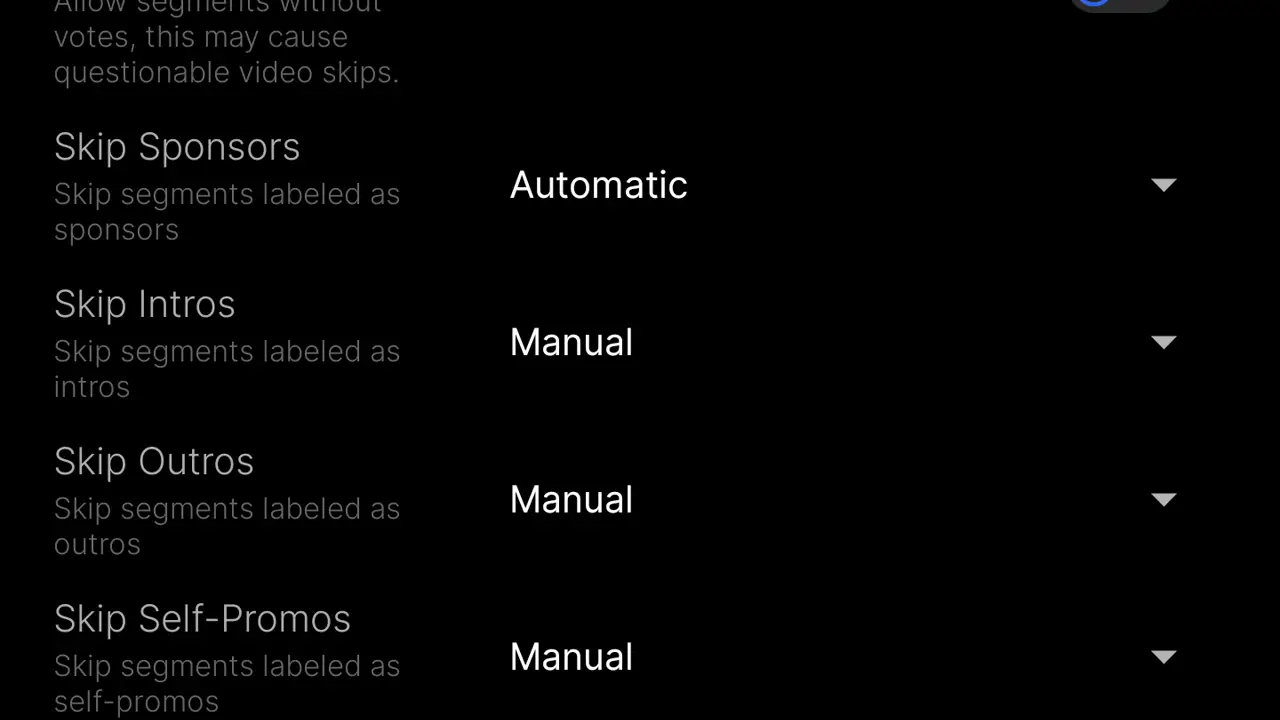
This is the YouTube client for your big screen: same videos, no video ads, SponsorBlock skips, up to 8K HDR, and speed control from the remote. One short countdown, then the button is yours.

Your download button arrives in

6

Advertisement

APK Details

App name
SmartTube
Version
Beta 32.79
File size
33.82 MB (Universal); 25.56 MB (arm64-v8a); 24.4 MB (armeabi-v7a); 27.15 MB (x86)
Package
org.smarttube.beta
Developer
yuliskov
Category
Video player
Requires Android
4.3 and up
Licence
Free, open source (MIT)
Price
Free
Universal
v32.79 · 33.82 MB
arm64-v8a
v32.79 · 25.56 MB
armeabi-v7a
v32.79 · 24.4 MB
x86
v32.79 · 27.15 MB

Before You Download

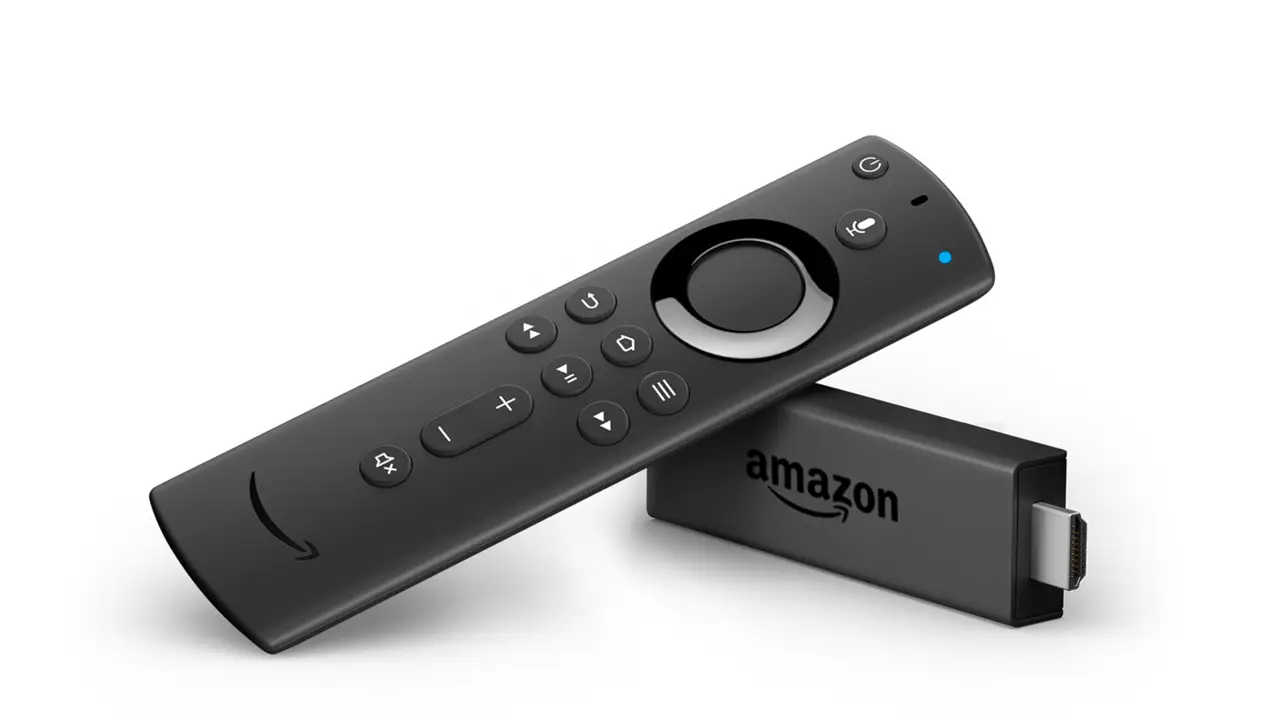
No download file is linked to this button yet. The button above stays inactive until a file is linked, and the countdown simply prepares the page. Before you fetch anything, check two things: your TV has room for the file, and you know how you will install it, either the Downloader app on Fire TV or a file manager on Android TV.

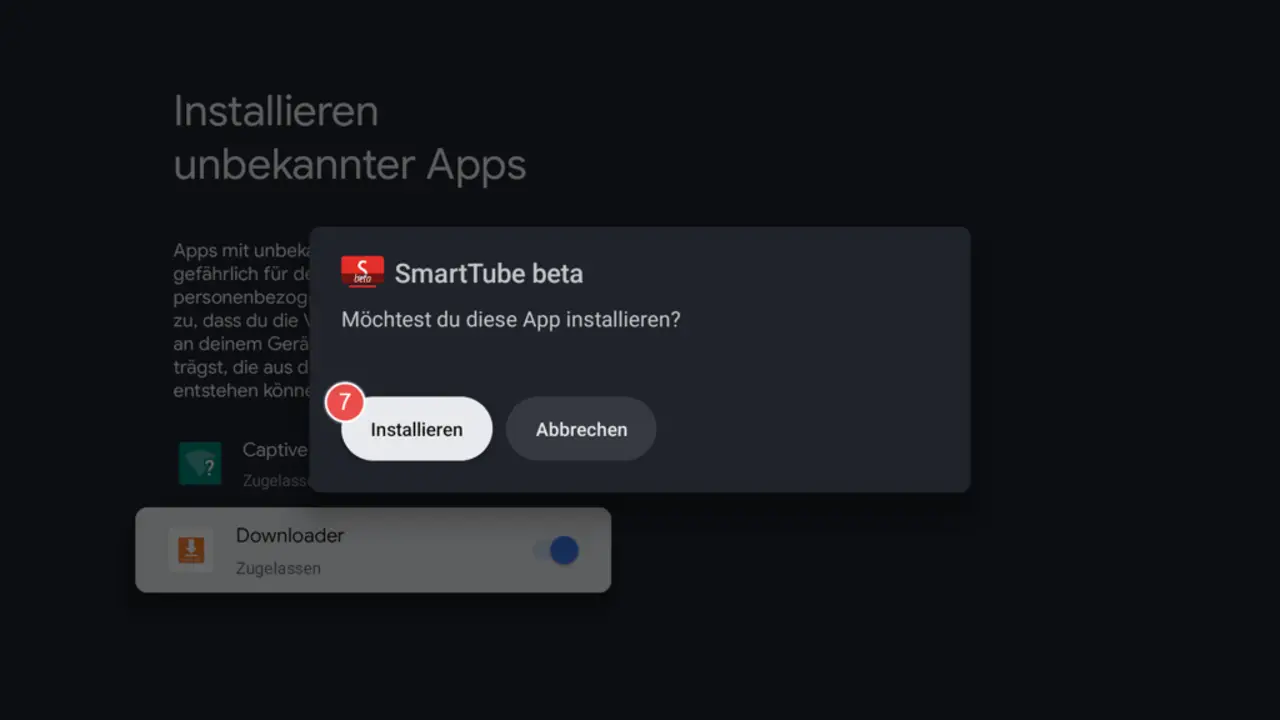
The file is a universal APK for Android TV and TV boxes, and it needs Android 4.3 or newer. It is not in the Play Store, so it installs by sideloading, which is a normal Android TV feature. The install guide on this site walks through the unknown sources switch for each device.

Installing After the Download

When the countdown ends and the button appears, tap it and let the SmartTube APK come down completely. Open the finished file, allow installs from your browser or file manager when Android asks, and confirm. The icon joins your apps row: a red TV screen with a white S.

Open it, look around the home grid, and decide about signing in later. The app works fully without an account, and the first video will show you the player, the quality menu and SponsorBlock in action.

Why Download From Here

This page is the home of the Android TV edition of SmartTube. Every build we publish is installed and run on our own TVs and boxes first: a Fire TV Stick 4K, an NVIDIA Shield TV, a Chromecast with Google TV, and an old Android TV box on the shelf, following the same routine described on our review page.
Download FAQs

How long does the SmartTube download take?

The file is 35.4 MB, so on a normal connection it lands in moments. The longer step comes after install: the first open, where the home grid fills and you pick your first channel.

Is the download really free?

Yes. SmartTube is free and open source under the MIT licence. There is no paid tier and no feature locked behind a purchase.

Why is there a countdown before the button?

The short countdown gives the page a moment to settle and gives you a moment to confirm you are fetching the Android TV build you meant to fetch. When it reaches zero the button appears in the same spot, with no layout jump.

Why is the button inactive?

No download file is linked to this button yet. The button stays inactive until a file is linked, and this page will show the live button then.

Which devices can install this file?

Android TVs and TV boxes on Android 4.3 and up, including Fire TV devices released before October 2025, NVIDIA Shield TV, and Chromecast with Google TV. It does not run on phones, tablets, Samsung Tizen, LG webOS, Apple TV, or new Fire TV devices from October 2025 that run VegaOS.

Do I need a Google account to use SmartTube?

No. SmartTube works fully without a Google account and without Google Play Services. Signing in is optional, for bringing your YouTube subscriptions across.

Will updating erase my settings?

No, if you install the new release over the old one. Settings, in app subscriptions and SponsorBlock choices all carry across. Never uninstall first.

Suggested Guides