
SmartTube Guides
Install help, Fire TV setup, SponsorBlock, picture settings, device guides and fixes for the problems that actually happen, every guide tested on real TVs and boxes with SmartTube.
Guide How to Install SmartTube on Android TV and Fire TV Install SmartTube on your Android TV or Fire TV the calm way: allow installs from unknown sources, sideload the APK, and open it with the remote. Read guide → 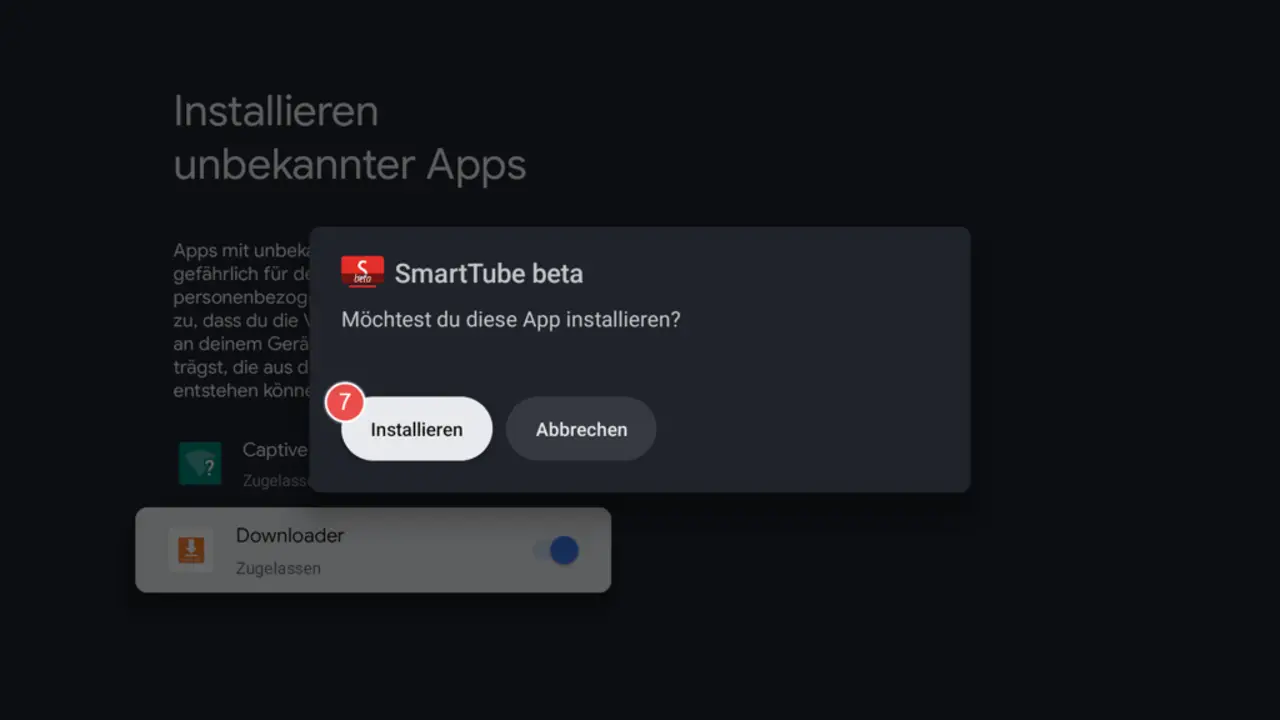 Guide SmartTube vs the YouTube App on TV: What Really Changes SmartTube and the YouTube app on TV play the same videos, but the experience is different: no video ads, SponsorBlock, 8K and HDR, and speed control. Read guide →
 Guide SponsorBlock in SmartTube: Skip Sponsors Without Touching the Remote SponsorBlock in SmartTube skips sponsored segments, intros, outros and filler automatically, using community marks. Set it once and forget it. Read guide →
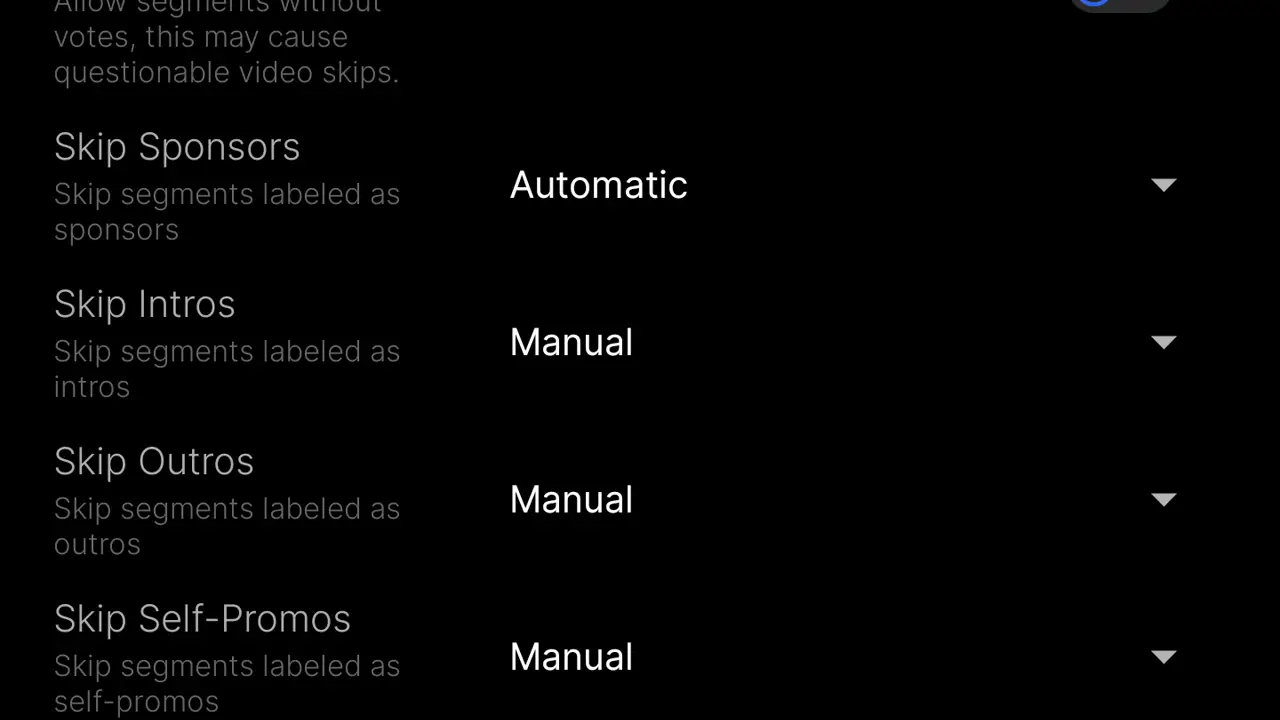 Guide SmartTube Picture Settings: 8K, HDR and Playback Speed Explained SmartTube plays up to 8K with HDR and full playback speed control. Set a default quality, pick per video, and keep motion smooth on any TV. Read guide →
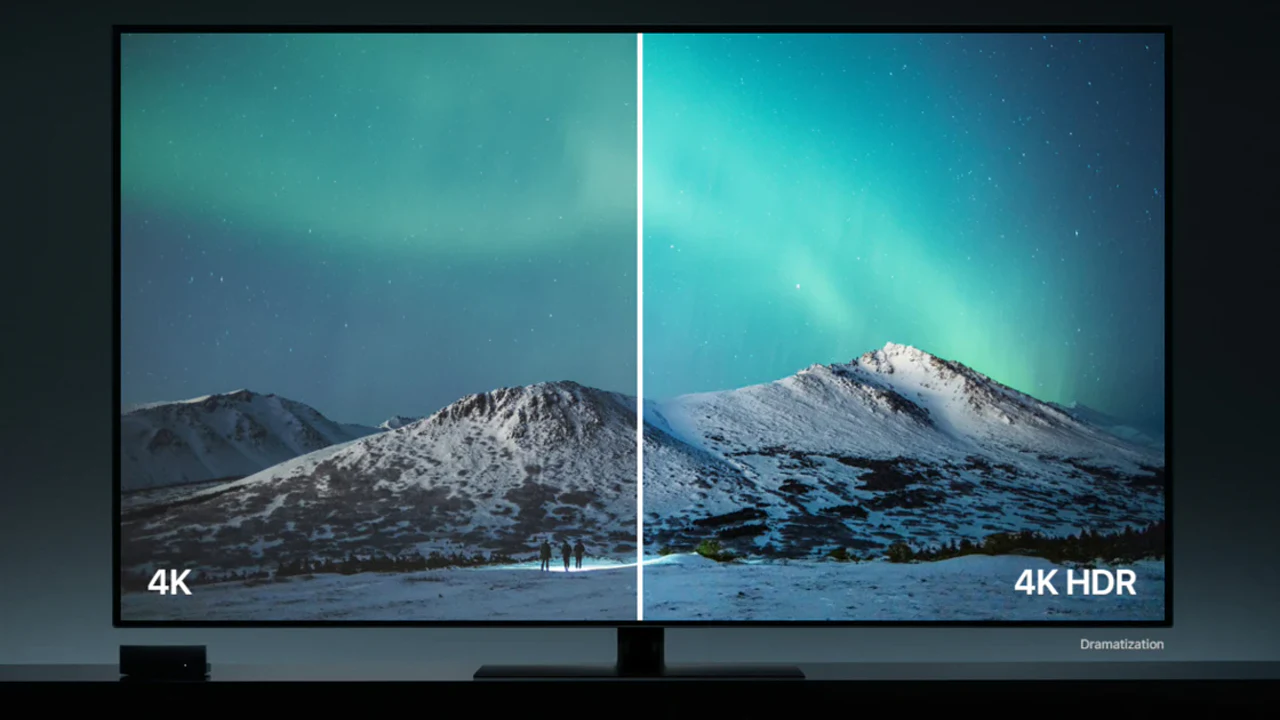 Guide SmartTube on Fire TV Stick: Install It with the Downloader App Install SmartTube on a Fire TV Stick with the Downloader app: allow unknown apps, enter the short download code, install, and open it from your apps. Read guide →
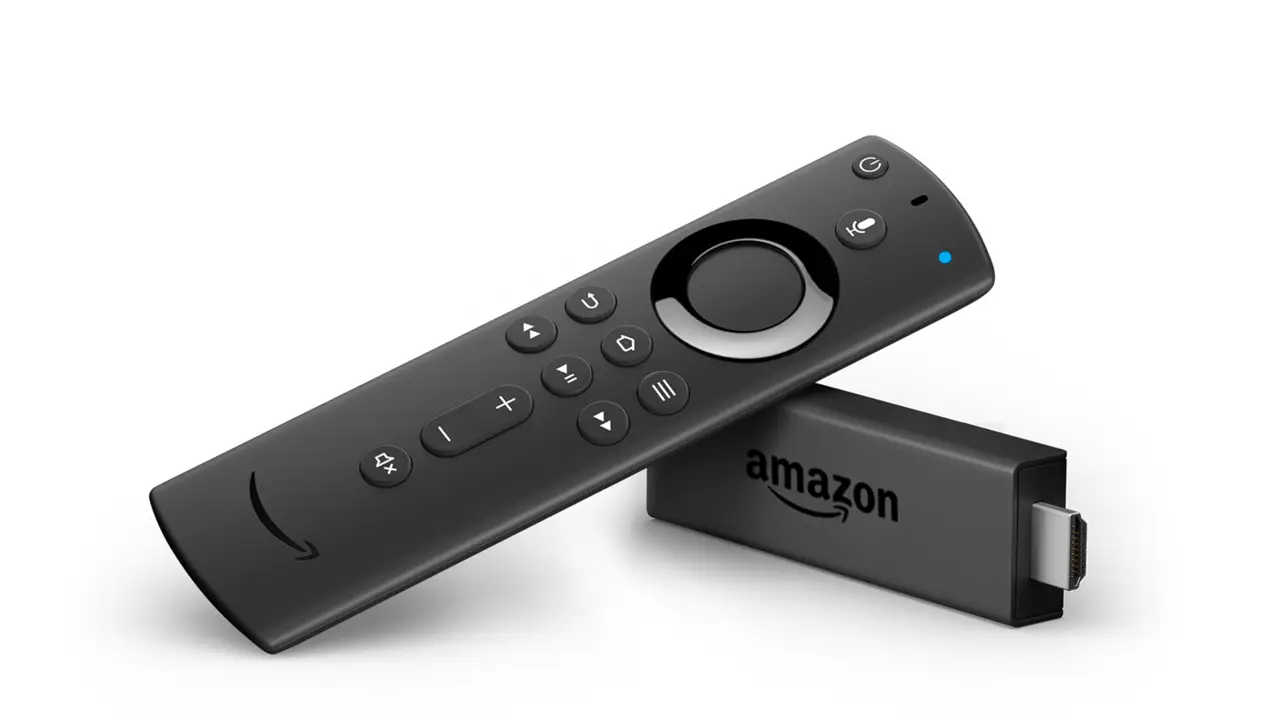 Guide SmartTube Not Working? Fixes for Buffering, Crashes and Sign In Errors SmartTube not working on your TV? Fix buffering, crashes on launch, sign in errors and no sound with these checks, in the order that solves most cases. Read guide →
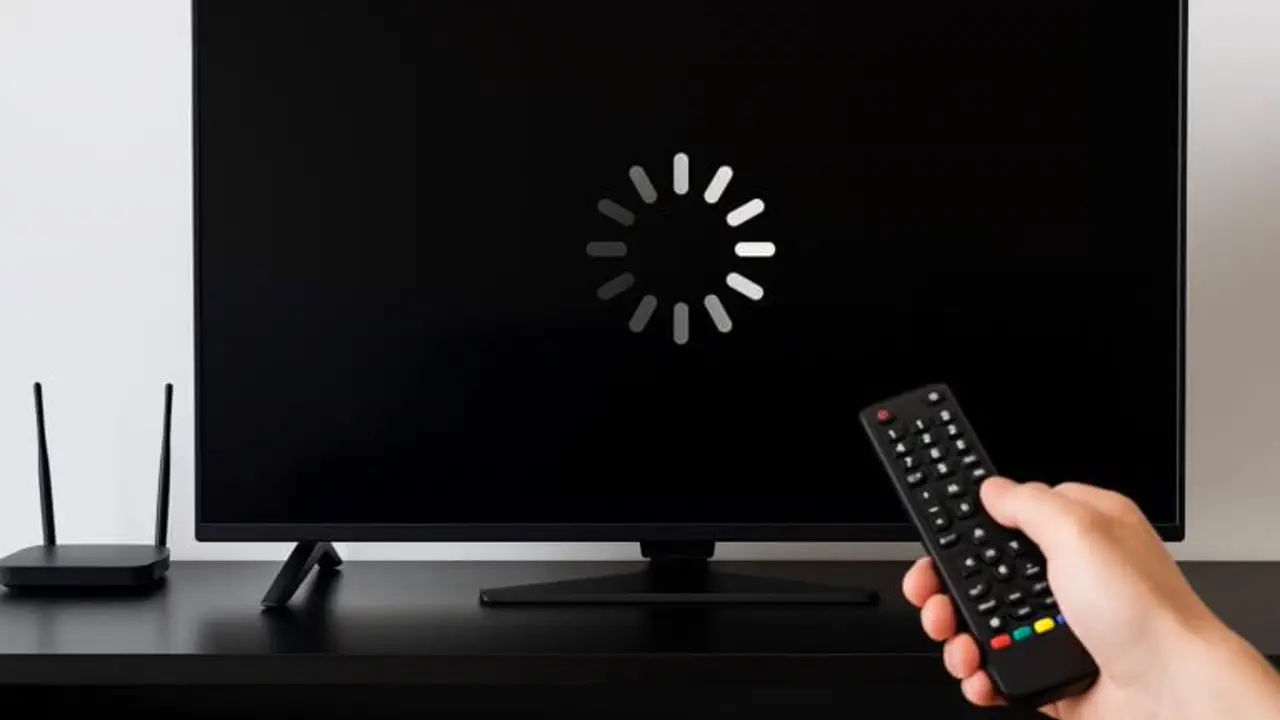 Guide SmartTube on NVIDIA Shield TV: Setup and Best Settings SmartTube runs beautifully on NVIDIA Shield TV. Install it, set 4K HDR quality, tune SponsorBlock, and use the Shield remote and voice search. Read guide →
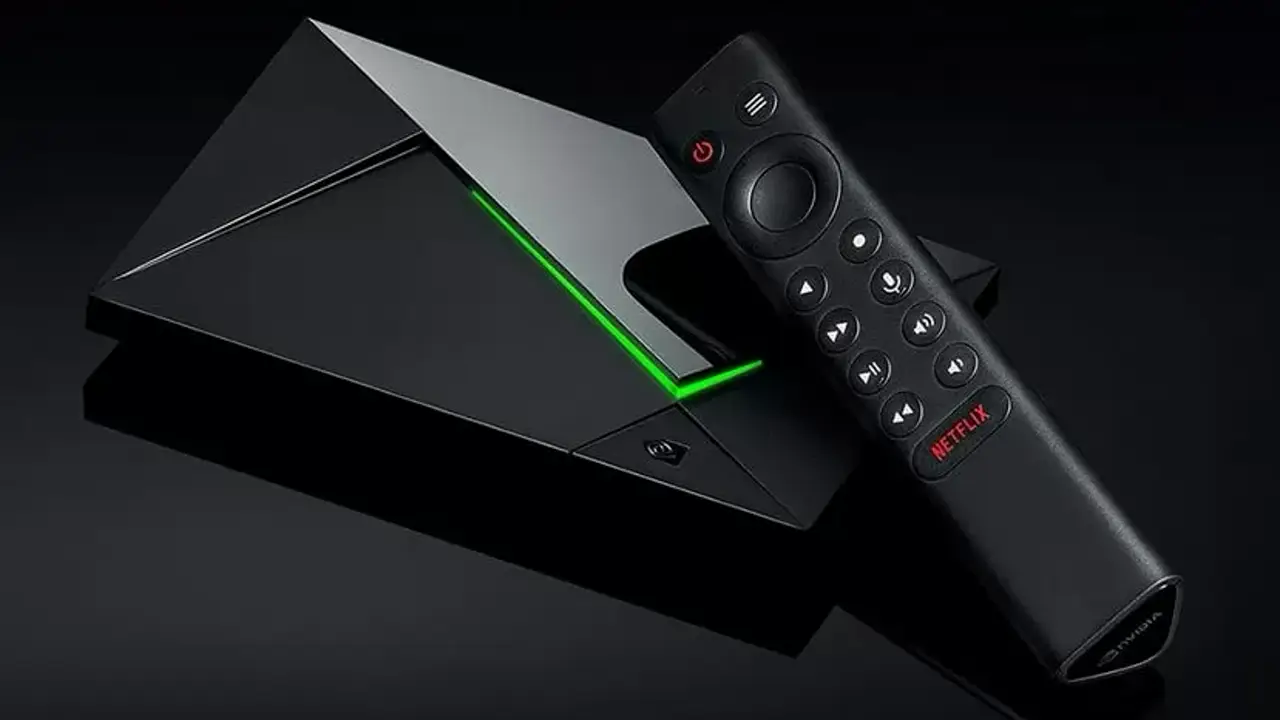 Guide SmartTube on Chromecast with Google TV: Install and Setup Install SmartTube on Chromecast with Google TV: allow unknown sources, sideload the APK with a file manager, and set it up with the voice remote. Read guide →
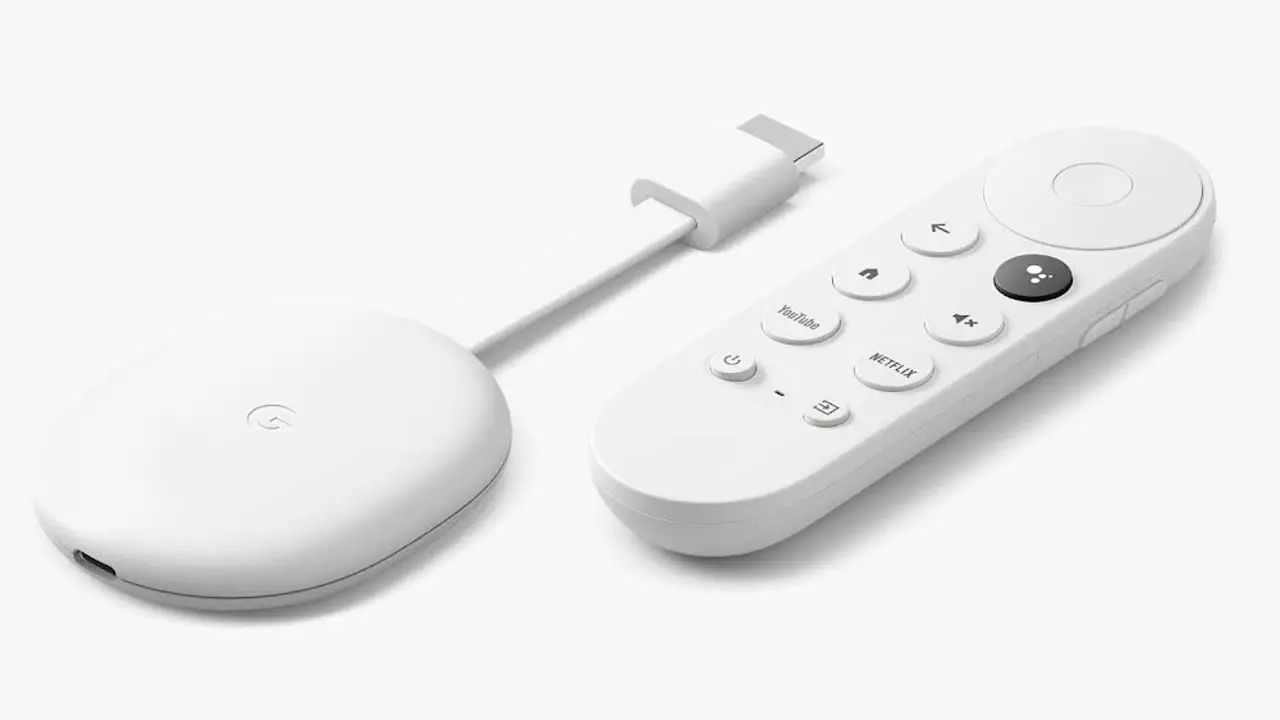 Guide Using SmartTube Without a Google Account SmartTube works fully without a Google account: browse, search, watch in 8K HDR, and subscribe inside the app. Signing in is optional, never required. Read guide →
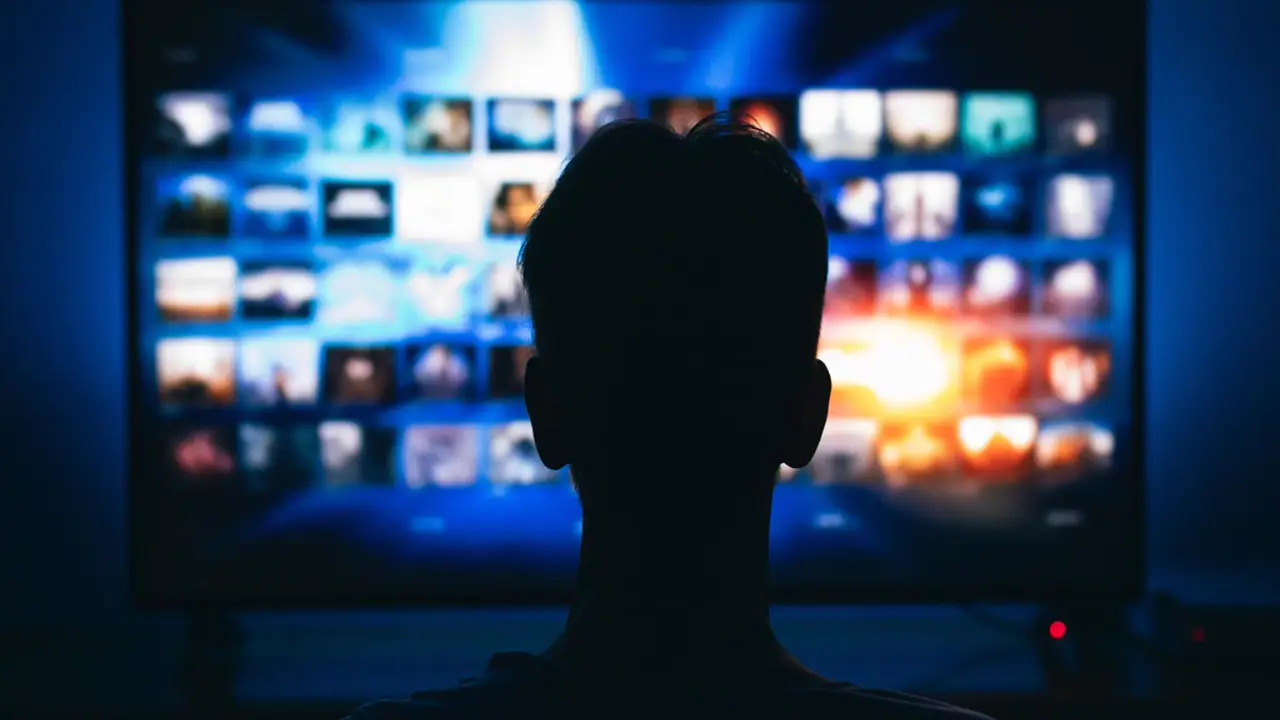 Guide How to Update SmartTube on Android TV Without Losing Settings Update SmartTube by installing the new release over the old one: settings, subscriptions and SponsorBlock choices carry across. Never uninstall first. Read guide →
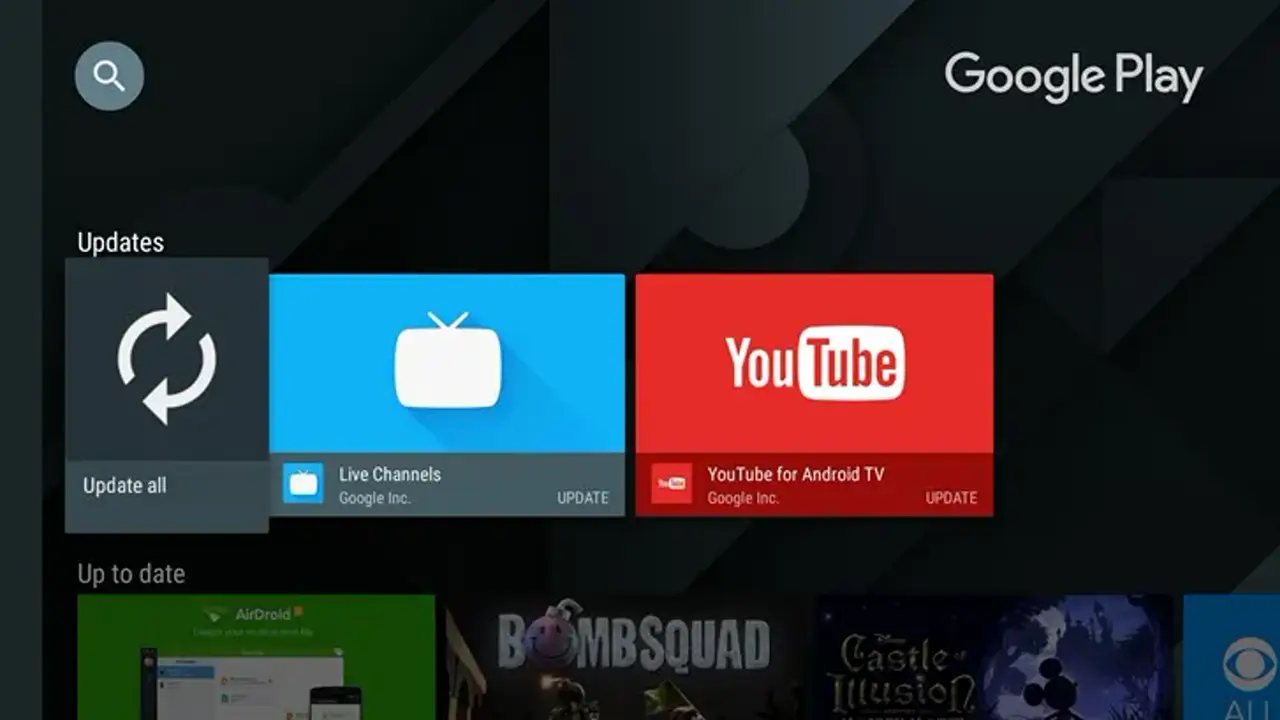 Guide SmartTube on Older Android TVs: What Works on Android 4.3 and Up SmartTube runs on Android TV as old as Android 4.3, which keeps older TVs useful. Expect 1080p playback, a slower grid, and the same ad free player. Read guide →
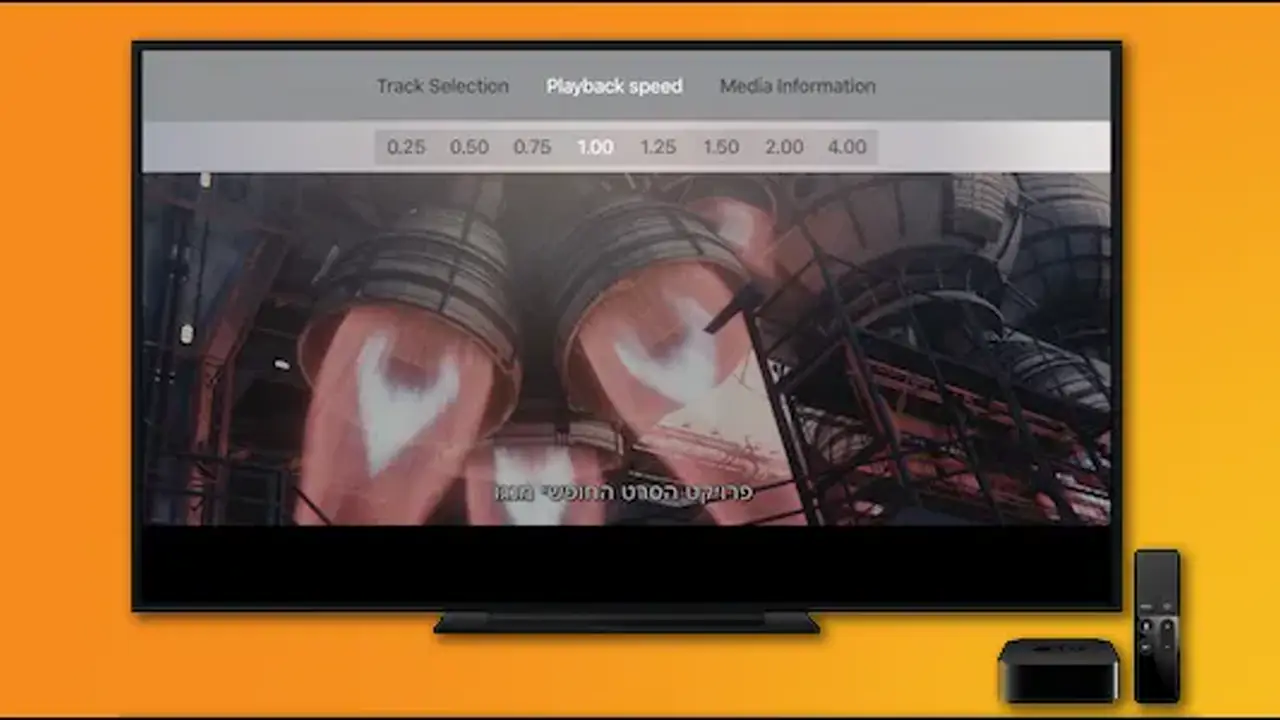
 Guide Playback Speed in SmartTube: Watch Faster Without Missing the Plot Playback speed in SmartTube runs from 0.25x to 2x with natural voices. Use 1.25x or 1.5x for talks and tutorials, and normal speed for films. Read guide →
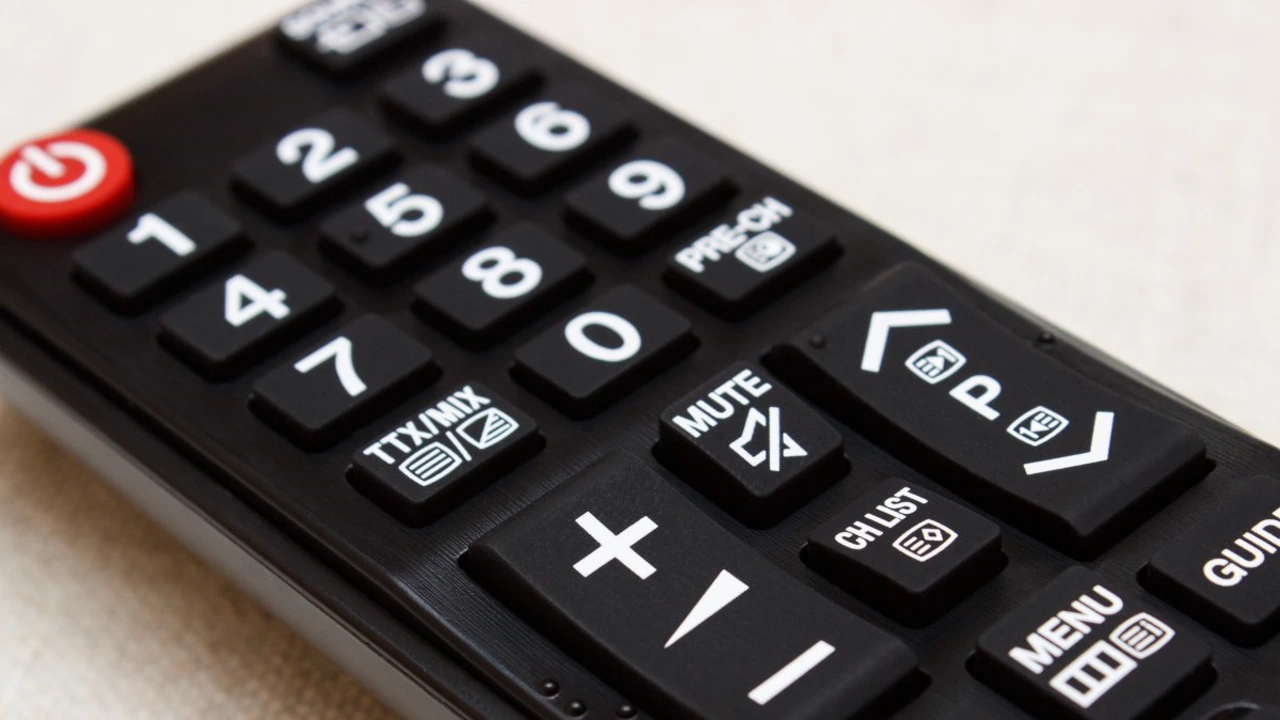
 Guide SmartTube Remote Shortcuts: Control Everything from the Sofa SmartTube remote shortcuts: direction pad, long press options, voice search, quick quality and speed changes, and jumping back after a SponsorBlock skip. Read guide →
 Guide Setting Up SmartTube for Family Movie Nights Set up SmartTube for family movie nights: a shared subscriptions feed, kids friendly browsing, the big screen at 1080p or 4K, and a remote everyone can use. Read guide →
 Guide Fixing 4K Buffering in SmartTube: Network and Codec Checks Fix 4K buffering in SmartTube: drop one quality step, test the connection, move to 5 GHz Wi Fi or ethernet, and check the codec your TV uses. Read guide →
 Guide SmartTube on Samsung Tizen and LG webOS TVs: What to Know SmartTube runs on Android TV, not on Samsung Tizen or LG webOS. Here is why, what those TVs can do instead, and the stick or box that brings SmartTube to them. Read guide →
 Guide New Fire TV Devices and VegaOS: What SmartTube Users Should Know New Fire TV devices released from October 2025 run VegaOS instead of Android, and SmartTube does not run on VegaOS. Older Fire TV devices are unaffected. Read guide →
 Guide Channels, Subscriptions and Playlists in SmartTube Channels, subscriptions and playlists in SmartTube: subscribe inside the app, build Watch Later lists, and keep a subscriptions feed that opens every evening. Read guide →
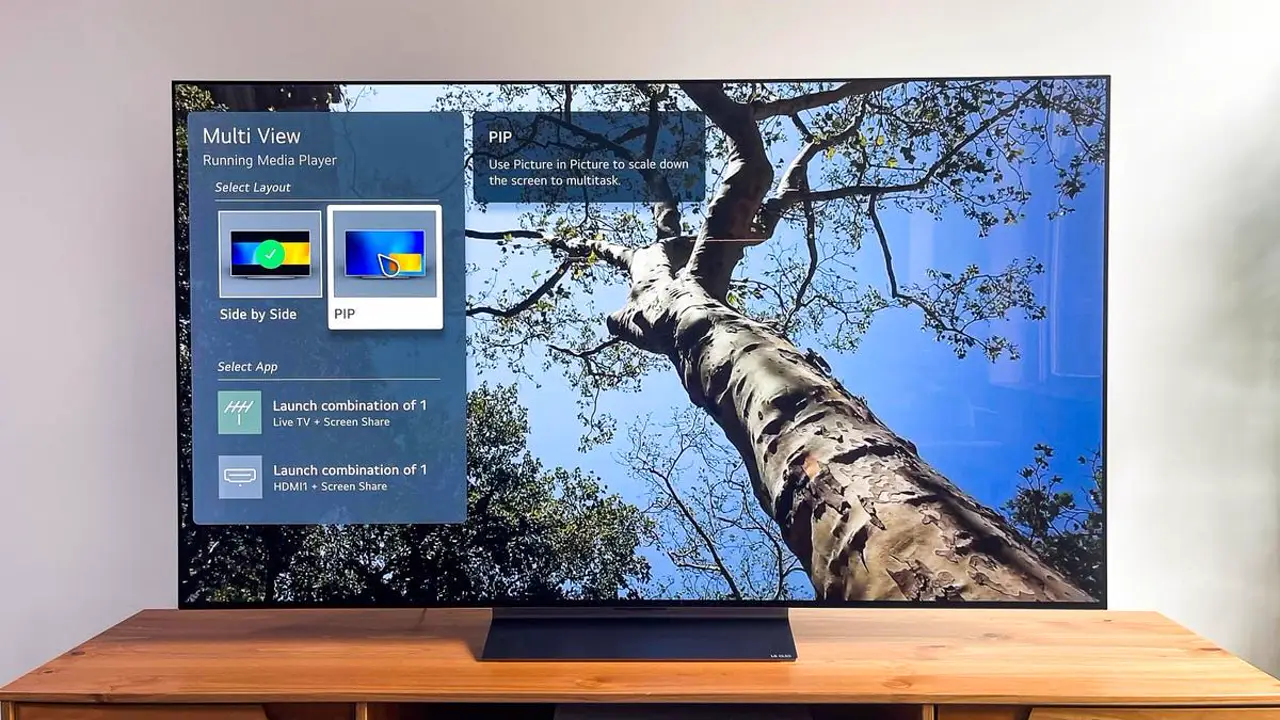
 Guide SmartTube Background Play and Picture in Picture on TV Background play and picture in picture in SmartTube: keep a talk playing while you browse, and what to expect when you leave the app on a TV. Read guide →
 Guide SmartTube Beginner Guide: Your First Evening on the Big Screen Your first evening with SmartTube: open the app, browse the home grid, search by voice, play a video, skip a sponsor read, and set the quality. Read guide →
Guide SmartTube vs the YouTube App on TV: What Really Changes SmartTube and the YouTube app on TV play the same videos, but the experience is different: no video ads, SponsorBlock, 8K and HDR, and speed control. Read guide → Guide SponsorBlock in SmartTube: Skip Sponsors Without Touching the Remote SponsorBlock in SmartTube skips sponsored segments, intros, outros and filler automatically, using community marks. Set it once and forget it. Read guide → Guide SmartTube Picture Settings: 8K, HDR and Playback Speed Explained SmartTube plays up to 8K with HDR and full playback speed control. Set a default quality, pick per video, and keep motion smooth on any TV. Read guide → Guide SmartTube on Fire TV Stick: Install It with the Downloader App Install SmartTube on a Fire TV Stick with the Downloader app: allow unknown apps, enter the short download code, install, and open it from your apps. Read guide → Guide SmartTube Not Working? Fixes for Buffering, Crashes and Sign In Errors SmartTube not working on your TV? Fix buffering, crashes on launch, sign in errors and no sound with these checks, in the order that solves most cases. Read guide → Guide SmartTube on NVIDIA Shield TV: Setup and Best Settings SmartTube runs beautifully on NVIDIA Shield TV. Install it, set 4K HDR quality, tune SponsorBlock, and use the Shield remote and voice search. Read guide → Guide SmartTube on Chromecast with Google TV: Install and Setup Install SmartTube on Chromecast with Google TV: allow unknown sources, sideload the APK with a file manager, and set it up with the voice remote. Read guide → Guide Using SmartTube Without a Google Account SmartTube works fully without a Google account: browse, search, watch in 8K HDR, and subscribe inside the app. Signing in is optional, never required. Read guide → Guide How to Update SmartTube on Android TV Without Losing Settings Update SmartTube by installing the new release over the old one: settings, subscriptions and SponsorBlock choices carry across. Never uninstall first. Read guide → Guide SmartTube on Older Android TVs: What Works on Android 4.3 and Up SmartTube runs on Android TV as old as Android 4.3, which keeps older TVs useful. Expect 1080p playback, a slower grid, and the same ad free player. Read guide → Guide Playback Speed in SmartTube: Watch Faster Without Missing the Plot Playback speed in SmartTube runs from 0.25x to 2x with natural voices. Use 1.25x or 1.5x for talks and tutorials, and normal speed for films. Read guide → Guide SmartTube Remote Shortcuts: Control Everything from the Sofa SmartTube remote shortcuts: direction pad, long press options, voice search, quick quality and speed changes, and jumping back after a SponsorBlock skip. Read guide → Guide Setting Up SmartTube for Family Movie Nights Set up SmartTube for family movie nights: a shared subscriptions feed, kids friendly browsing, the big screen at 1080p or 4K, and a remote everyone can use. Read guide → Guide Fixing 4K Buffering in SmartTube: Network and Codec Checks Fix 4K buffering in SmartTube: drop one quality step, test the connection, move to 5 GHz Wi Fi or ethernet, and check the codec your TV uses. Read guide → Guide SmartTube on Samsung Tizen and LG webOS TVs: What to Know SmartTube runs on Android TV, not on Samsung Tizen or LG webOS. Here is why, what those TVs can do instead, and the stick or box that brings SmartTube to them. Read guide → Guide New Fire TV Devices and VegaOS: What SmartTube Users Should Know New Fire TV devices released from October 2025 run VegaOS instead of Android, and SmartTube does not run on VegaOS. Older Fire TV devices are unaffected. Read guide → Guide Channels, Subscriptions and Playlists in SmartTube Channels, subscriptions and playlists in SmartTube: subscribe inside the app, build Watch Later lists, and keep a subscriptions feed that opens every evening. Read guide → Guide SmartTube Background Play and Picture in Picture on TV Background play and picture in picture in SmartTube: keep a talk playing while you browse, and what to expect when you leave the app on a TV. Read guide → Guide SmartTube Beginner Guide: Your First Evening on the Big Screen Your first evening with SmartTube: open the app, browse the home grid, search by voice, play a video, skip a sponsor read, and set the quality. Read guide →