
Guide
SmartTube on Samsung Tizen and LG webOS TVs: What to Know
SmartTube runs on Android TV, not on Samsung Tizen or LG webOS. Here is why, what those TVs can do instead, and the stick or box that brings SmartTube to them.

Contents On this page
Samsung TVs run Tizen and LG TVs run webOS, and SmartTube runs on Android TV, so the app does not install on those two systems directly. That is a platform fact, not a missing feature, and the fix is simple: a stick or a box that runs Android TV plugs into the same television. This guide explains the boundary and the workaround. The supported devices are listed on the SmartTube APK home page.
SmartTube is built for Android TV
SmartTube is an Android TV app, written for the Android TV system and its remote control interface. It installs as an APK on Android TVs and TV boxes, and it expects the Android TV environment around it. That is the platform it is built for, and the one it is tested on.
Why Samsung Tizen cannot run it
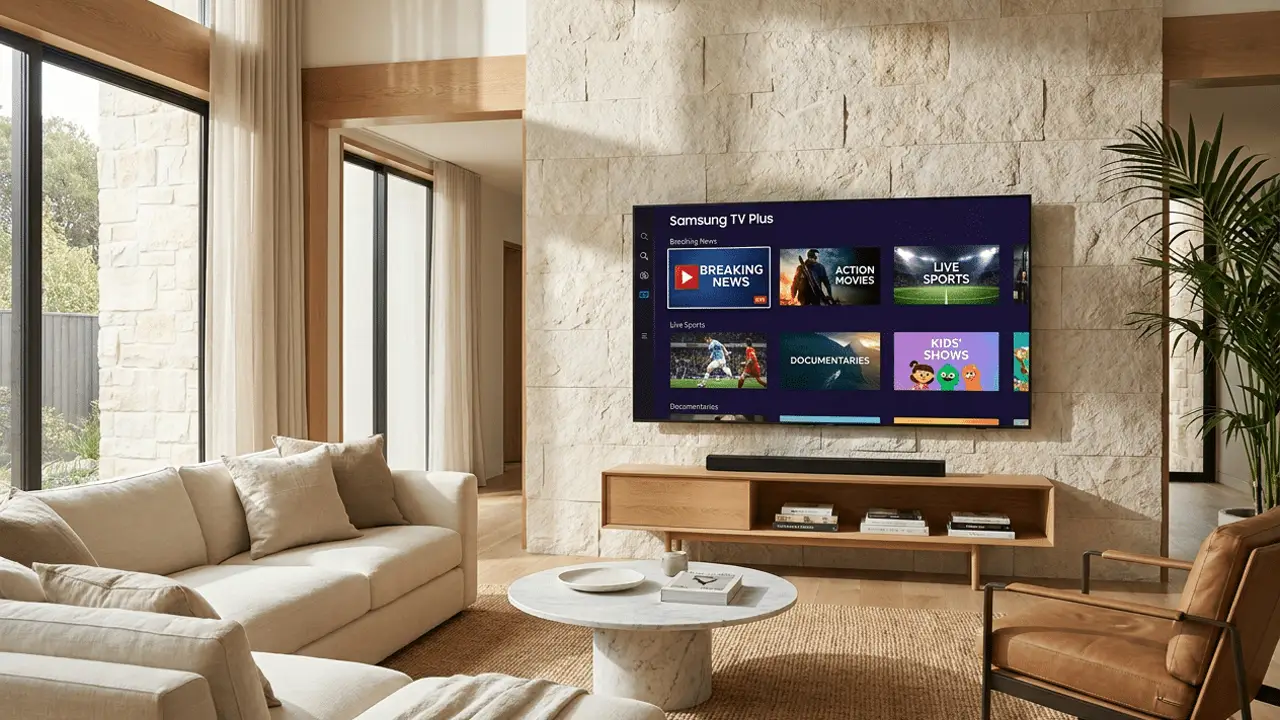
Samsung TVs run Tizen, a different operating system with its own app store and its own app format. An Android APK cannot install on Tizen, any more than a Tizen app can install on Android. The television is fine, the system is simply different, and no setting on the Samsung TV changes that.
Why LG webOS cannot run it
LG TVs run webOS, which is also a different system with its own store and format. The same boundary applies: an Android APK does not install on webOS, and SmartTube has no webOS version. The TV hardware is capable, but the software platform is not Android, so the app cannot run there directly.
The fix: a stick or a box
Plug a Fire TV Stick, a Chromecast with Google TV, or an Android TV box into an HDMI port on the Samsung or LG TV, and SmartTube runs on that device while the TV simply shows the picture. The television becomes a screen, the stick becomes the smart part, and the remote that comes with the stick controls SmartTube. The Fire TV install guide covers the Stick setup, and the Chromecast guide covers the dongle.
Which stick to pick
Pick the Fire TV Stick 4K if you want the simplest setup and a remote with TV controls, or the Chromecast with Google TV 4K if you prefer Google TV and voice search. Both cost little, both run SmartTube well, and both leave the Samsung or LG TV doing what it does best: showing the picture. Avoid the cheapest basic sticks if you watch in 4K, because they struggle at that resolution.
What about the TV YouTube app
Samsung and LG TVs ship with their own YouTube app, and it plays the same videos. What it does not offer is SmartTube: no SponsorBlock skipping, no playback speed control, and video ads during playback. That is the trade off of staying on the built in app, and it is the reason many households add a stick even though the TV already plays videos.
Setting up the HDMI device
Plug the stick into an HDMI port, power it from the wall rather than the TV USB port, and switch the TV input to that port. Run through the stick setup once, install SmartTube on the stick, and the TV input stays on that port for every SmartTube evening. The TV remote can often control the stick too, through HDMI CEC, which means one remote for the whole evening.
Conclusion
Samsung Tizen and LG webOS cannot run SmartTube directly, because the app is built for Android TV. A Fire TV Stick or a Chromecast with Google TV closes the gap for the price of a takeaway, and the television keeps doing what it does best. The platform boundary is real, and the workaround is a small device, not a compromise.
Quick Answers
Can I install SmartTube on a Samsung TV?
Not directly. Samsung TVs run Tizen, not Android TV. Plug in a Fire TV Stick or Chromecast with Google TV and install SmartTube on that device.
Can I install SmartTube on an LG TV?
Not directly. LG TVs run webOS, not Android TV. A stick or Android TV box in an HDMI port brings SmartTube to the same television.
Which stick is best for SmartTube on a Samsung TV?
Fire TV Stick 4K for the simplest setup, or Chromecast with Google TV 4K for Google TV and voice search. Both run SmartTube well.
Does the TV remote work with the stick?
Often yes, through HDMI CEC. The TV remote can control the stick for basic navigation, and the stick remote covers everything else.