Guide
SmartTube on Chromecast with Google TV: Install and Setup
Install SmartTube on Chromecast with Google TV: allow unknown sources, sideload the APK with a file manager, and set it up with the voice remote.

Contents On this page
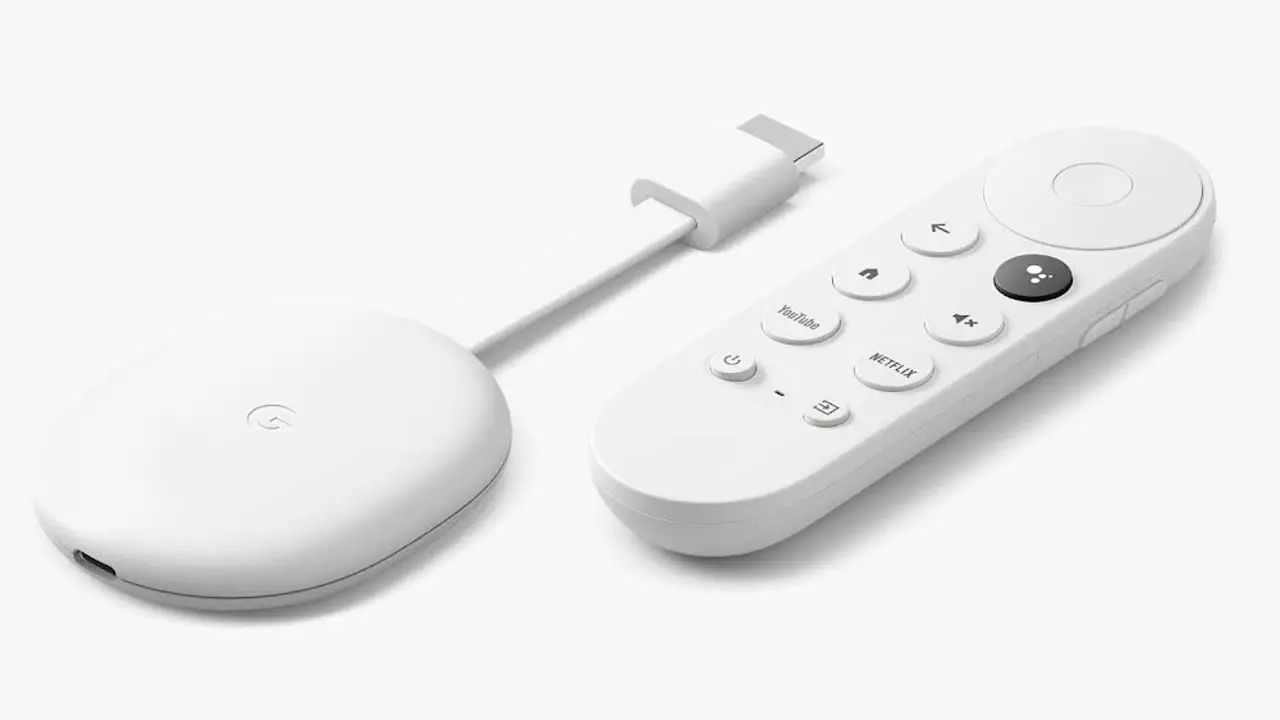
Chromecast with Google TV is a small dongle with a proper Android TV system inside, which means SmartTube installs on it like any Android TV device. The voice remote is the star here: search works by voice, and the home screen stays fast. This guide covers the install, the remote, and the settings that suit the dongle. The short version is on the SmartTube app home page.
What you need before you start
You need the Chromecast with Google TV dongle, its voice remote, and a Wi Fi connection. You also need a file manager app from the Play Store, because the dongle has no built in file browser for sideloaded files. Any well rated file manager works, and you only need it for the ten minutes of the install.
Allow installs from unknown sources
Open Settings, then System, then About, and press the select button seven times on the Android TV OS build entry to unlock Developer Options. Then open Settings, then Apps, then Security and Restrictions, and switch on Unknown Sources for your file manager. This is the one permission the install needs, and it applies to the file manager only.
Sideload the APK with the file manager
Fetch the APK with the dongle browser or send it from your phone with a file sharing app, then open it in your file manager and press Install. The Chromecast has limited storage, so free space first if the install refuses: remove an unused app or two and try again. The general SmartTube install guide covers the same steps on larger Android TV boxes.
Search with the voice remote
Press and hold the voice button on the remote and say a channel or video name. SmartTube search picks it up, and the results land in a grid you can move through with the direction pad. Voice search is the fastest way to find anything on a dongle, because typing with an on screen keyboard is slow, and the remote microphone is good.
Quality settings for the dongle
The 4K model handles 4K HDR smoothly, so set the default quality to 4K if your TV and connection support it. The HD model tops out at 1080p, and setting anything higher only buys buffering. If the home grid feels slow, drop the default quality one step, which lightens the load on the dongle, and the grid speeds up.
Storage is tight: keep it lean
Chromecast with Google TV has little free storage, so SmartTube shares space with every other app. Clear the cache of apps you rarely use, and avoid installing games or large apps on the dongle. If SmartTube starts crashing on launch, the cause is usually storage, and clearing cache in Settings, then Apps, then SmartTube, is the first fix. The fixes guide covers the rest.
Updating on Chromecast
Update by installing the current release over the old one with the same file manager, which keeps your settings. Because storage is tight, delete the APK file after each install. A monthly check is enough, and the update guide walks through it in two minutes.
Conclusion
Chromecast with Google TV punches above its size with SmartTube: voice search, 4K HDR on the 4K model, and a remote that fits the hand. The install needs a file manager and one permission switch, and after that the dongle behaves like a much bigger box.
Quick Answers
Does SmartTube work on Chromecast with Google TV?
Yes. It installs like any Android TV app by sideloading, and the voice remote works with SmartTube search.
Why is Developer Options needed?
It unlocks the unknown sources switch that lets your file manager install apps from outside the store. Seven presses on the build entry reveal it.
How much storage does SmartTube need on Chromecast?
The file is 35.4 MB, plus cache and settings. Keep some free space, and delete the APK after installing.
Can I use the Google TV voice remote in SmartTube?
Yes. Hold the voice button, say a channel or video name, and SmartTube search shows the results.