
Guide
SmartTube on NVIDIA Shield TV: Setup and Best Settings
SmartTube runs beautifully on NVIDIA Shield TV. Install it, set 4K HDR quality, tune SponsorBlock, and use the Shield remote and voice search.

Contents On this page
NVIDIA Shield TV is the strongest box SmartTube can run on, and it shows: 4K HDR playback is smooth, the home grid is instant, and the remote answers quickly. The install is the same sideload as any Android TV box, and the settings below get the most out of the hardware. The overview lives on the SmartTube for Android TV home page, and this guide is the Shield specific part.
Install it on the Shield
Shield TV runs Android TV, so the install follows the standard path: allow installs from unknown sources for your browser or file manager, fetch the APK, and install it. The Shield has plenty of storage, so the download and install finish quickly. If you want the step by step, the SmartTube install guide covers Android TV boxes in full.
Best quality settings for the Shield
Set the default quality to 4K, because the Shield handles it easily, and leave HDR on. The Shield upscales cleanly, so even 1080p videos look good on a 4K TV. If your connection is fast fibre, you can leave quality on the highest setting and forget it. On a slower connection, 1080p is still the honest choice, because the Shield cannot invent bandwidth.
SponsorBlock and the Shield remote
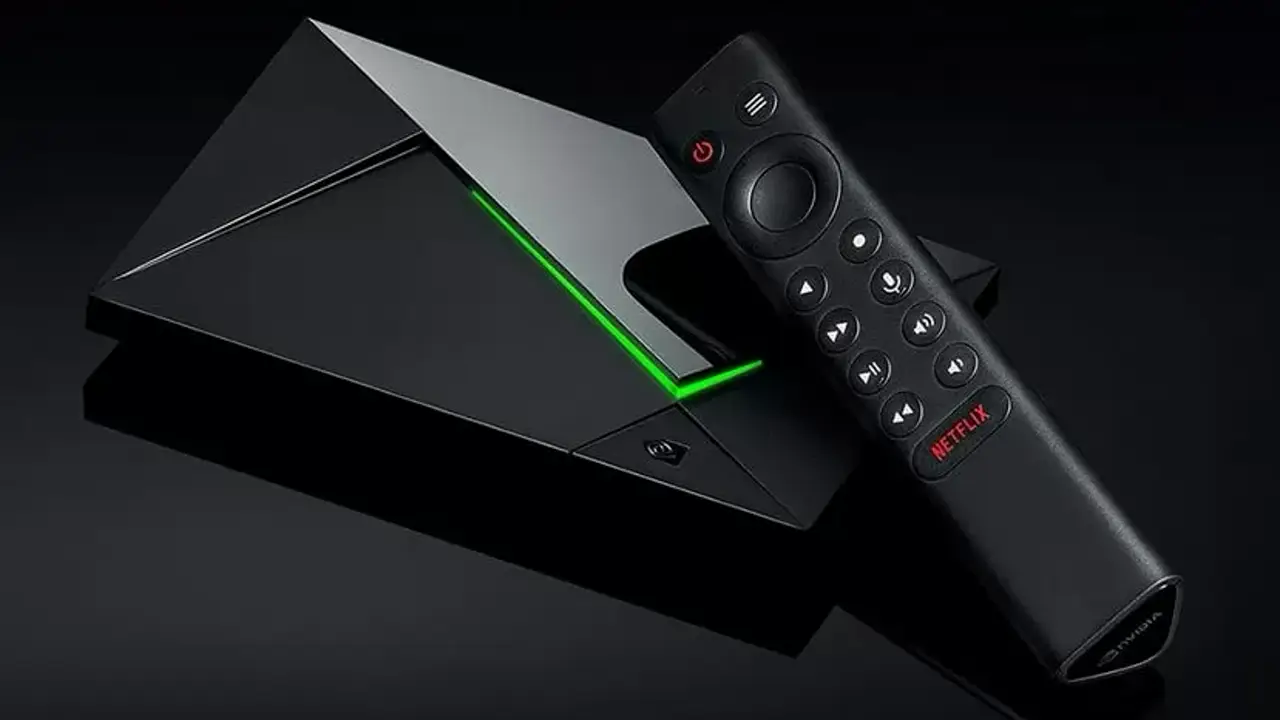
SponsorBlock is on by default, and on the Shield the skips are instant because the box is fast. The Shield remote has a Netflix button you can remap, and its voice search works inside SmartTube search. Keep the skip behaviour on automatic, and the sponsor reads pass by without you reaching for the remote at all.
Getting the most from the Shield remote
The Shield remote is small, so learn its long presses: long press select for options on a video, long press home for recent apps, and the dedicated voice button for search. SmartTube answers all of them. If you use the Shield controller instead, the direction pad and the A button cover everything, and the back button returns you to the home grid.
Audio passthrough and HDR
Shield TV passes high quality audio to a soundbar or receiver, and SmartTube plays the audio track the video carries. If your receiver shows the wrong format, check the Shield audio settings first, because the app follows what the box offers. For HDR, make sure the Shield display settings are set to 4K with HDR, and the TV switches into HDR mode when a video carries it.
Shield Pro vs Shield Tube
Both models run SmartTube well. The Pro has more memory and storage, so the home grid and the app switcher feel faster, and it handles large libraries without slowing down. The Tube is fine for evening viewing, but it can pause briefly when returning from another app. Either way the playback itself is identical, because the video path is the same.
Keeping SmartTube updated on Shield
Update by installing the current release over the old one, which keeps your settings and subscriptions. The Shield has no store listing for SmartTube, so updates are manual, and a monthly check is enough. The update guide covers the install over the top, which takes two minutes on the Shield.
Conclusion
Shield TV is the box SmartTube was made for: fast, 4K HDR capable, and happy with a remote. Install it once, set quality to 4K, leave SponsorBlock on automatic, and the Shield fades into the background, which is the highest praise a TV box can earn.
Quick Answers
Does SmartTube run in 4K on Shield TV?
Yes. Set the default quality to 4K and HDR on, and playback is smooth on both Shield Pro and Shield Tube.
Can I use the Shield remote with SmartTube?
Yes. Direction pad, select, back and voice search all work, and long press select opens options on a video.
Does SmartTube support Dolby audio on Shield?
SmartTube plays the audio track the video carries, and the Shield passes it to your soundbar or receiver. Check Shield audio settings if the format looks wrong.
How do I update SmartTube on Shield?
Install the current release over the old one. Your settings and subscriptions carry across, and the job takes about two minutes.